Designing with Liquidify (codex)
Design interfaces that give content priority and use glass to clarify actions and navigation.
Liquidify brings an Apple-inspired visual language to React interfaces. Use its components and tokens to establish a consistent relationship between content, navigation, and actions. Begin with the task people need to complete, then choose the materials and controls that support it.
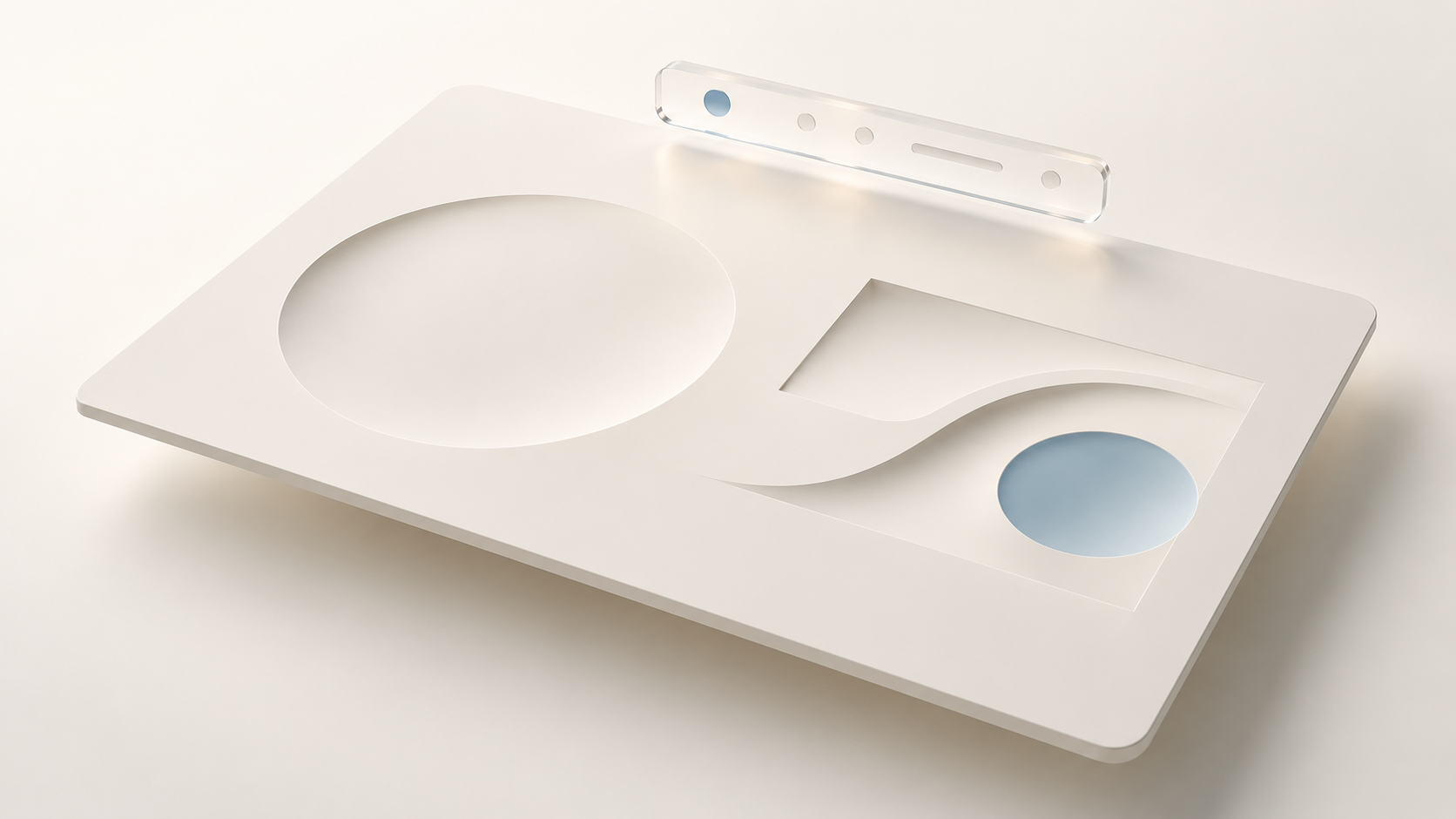
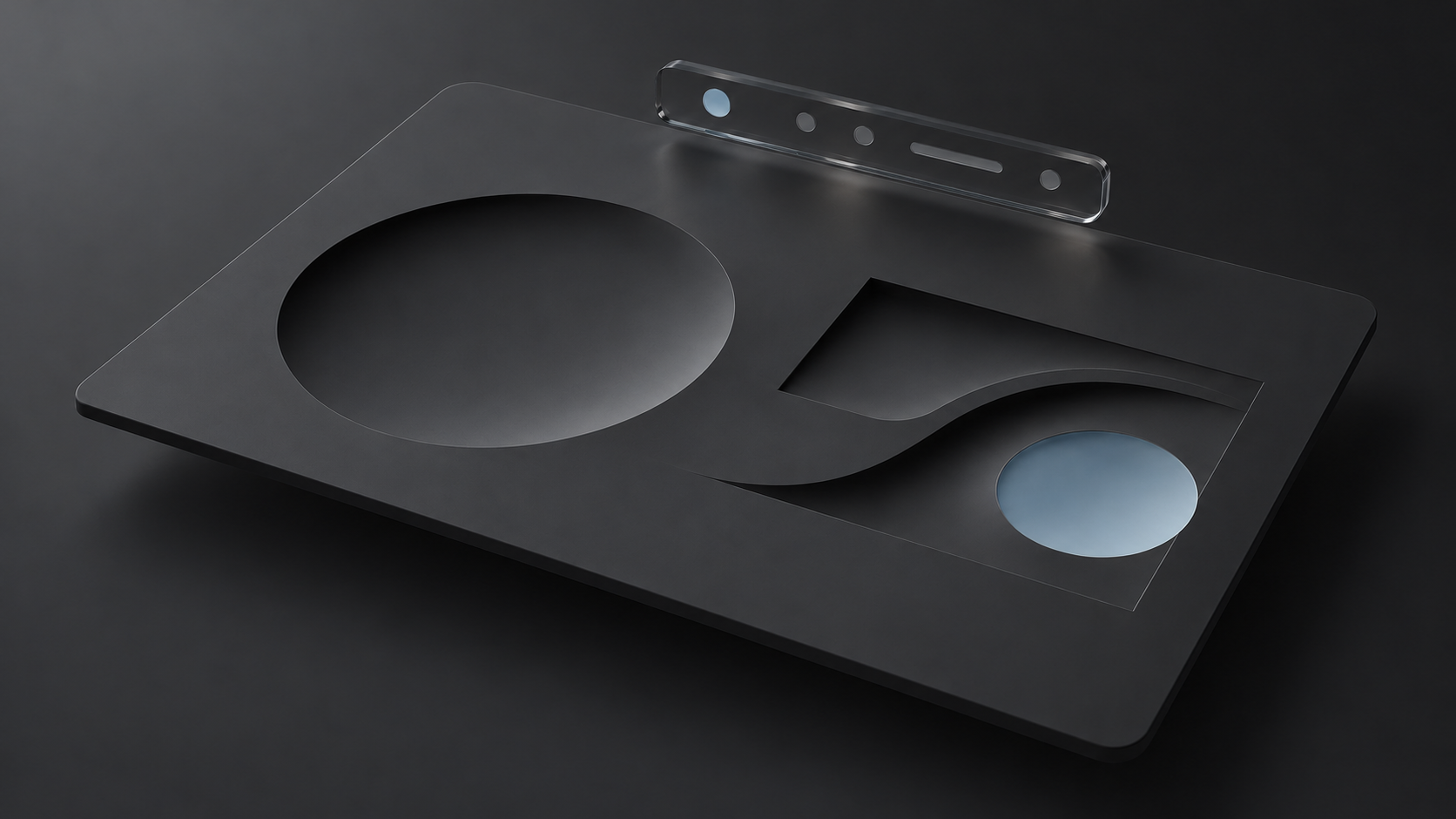
Establish a hierarchy
Give the main content a clear position in the layout. Keep related information together, use headings to explain its structure, and make the next useful action easy to find. A decorative surface should not compete with the information it contains.
Distinguish navigation from page content. Navigation helps people understand where they are and where they can go; content supports the current task. Glass can help express this relationship when it provides a readable surface above the content.


The layers describe different purposes, not a required stacking order or a prescribed amount of blur. Keep navigation distinct while leaving the task content readable.
Choose materials by purpose
Use glass selectively for controls and navigation where it helps establish depth or separation. Use quieter surfaces for extended reading, dense information, and groups of related fields. Repeating glass across every container can make the hierarchy difficult to follow.
Liquidify exposes three material grades through its glass package: frosted, regular, and clear. These are Liquidify choices, with their own implementation and rendering tradeoffs. They do not form a one-to-one mapping to Apple's Liquid Glass variants.
Choose a grade through a supported material API. Some components expose a material choice; controls such as Button express their appearance through supported variants. Consult each component's API before specifying a material.
For example, keep a settings page's explanatory text on a quiet content surface and use a prominent Button for “Save changes.” Identify navigation separately from the settings themselves. This gives each layer a purpose without requiring every group of content to become a glass panel.
See Materials and Customizing materials for the available configuration. Review the result against the actual content behind the surface, including images, dense text, and scrolling content.
Build a consistent visual vocabulary
Use shared decisions for color, text hierarchy, spacing, and action emphasis. Start with the library's tokens and supported variants, then customize them for the product.
- Give each color a purpose, such as primary text, an action, or a boundary.
- Choose text styles according to the information hierarchy.
- Use spacing to show which elements belong together.
- Reserve prominent treatments for actions that need emphasis.
- Keep equivalent controls consistent across the interface.
Color, Typography, and Spacing connect these decisions to implementation. Use Layout grid to plan alignment and reflow.
For data-heavy screens, define the question before choosing a visualization. A table of records, a single measurement, and a trend serve different tasks. Data visualization explains those choices and the boundary between chart guidance and available Liquidify components.
Design for changing conditions
Review layouts at narrow and wide viewport sizes. Allow long labels and enlarged text to change the space that content requires. A compact presentation still needs clear actions, readable content, and a logical focus order. Check the layout after scrolling and opening navigation, so fixed controls do not cover headings, focused elements, or the action needed to continue.
Check light and dark themes, keyboard interaction, browser zoom, and the visual preferences supported by the application. Review Color for contrast over changing backgrounds. Do not assume that an Apple platform behavior is reproduced automatically in a browser. The application owns responsive composition, routing, and feedback after an operation; document these alongside the selected controls.
Work with the implementation
Use Patterns to plan the sequence around the controls: what starts the task, what changes while it runs, and how people recover. Use the component catalog to discuss real variants, states, and composition with developers. A design handoff should identify the component, the state it represents, its content, and any application-owned behavior. Include the keyboard sequence and the destination of focus after a temporary view closes. Describe how long labels and enlarged text reflow, so the handoff covers more than a single viewport.
Use Building experiences to connect the first encounter, setup, recurring work, and help around the same task.
Use Design resources to assemble that handoff from available references. Record a missing feature as a requirement before treating it as part of the library. When a design needs a custom surface or interaction, agree on its semantics and accessibility behavior as well as its appearance.